
Download Decibel Meter App – Sound Level Measurement, Decibel Meter, Noise Monitoring
Overview
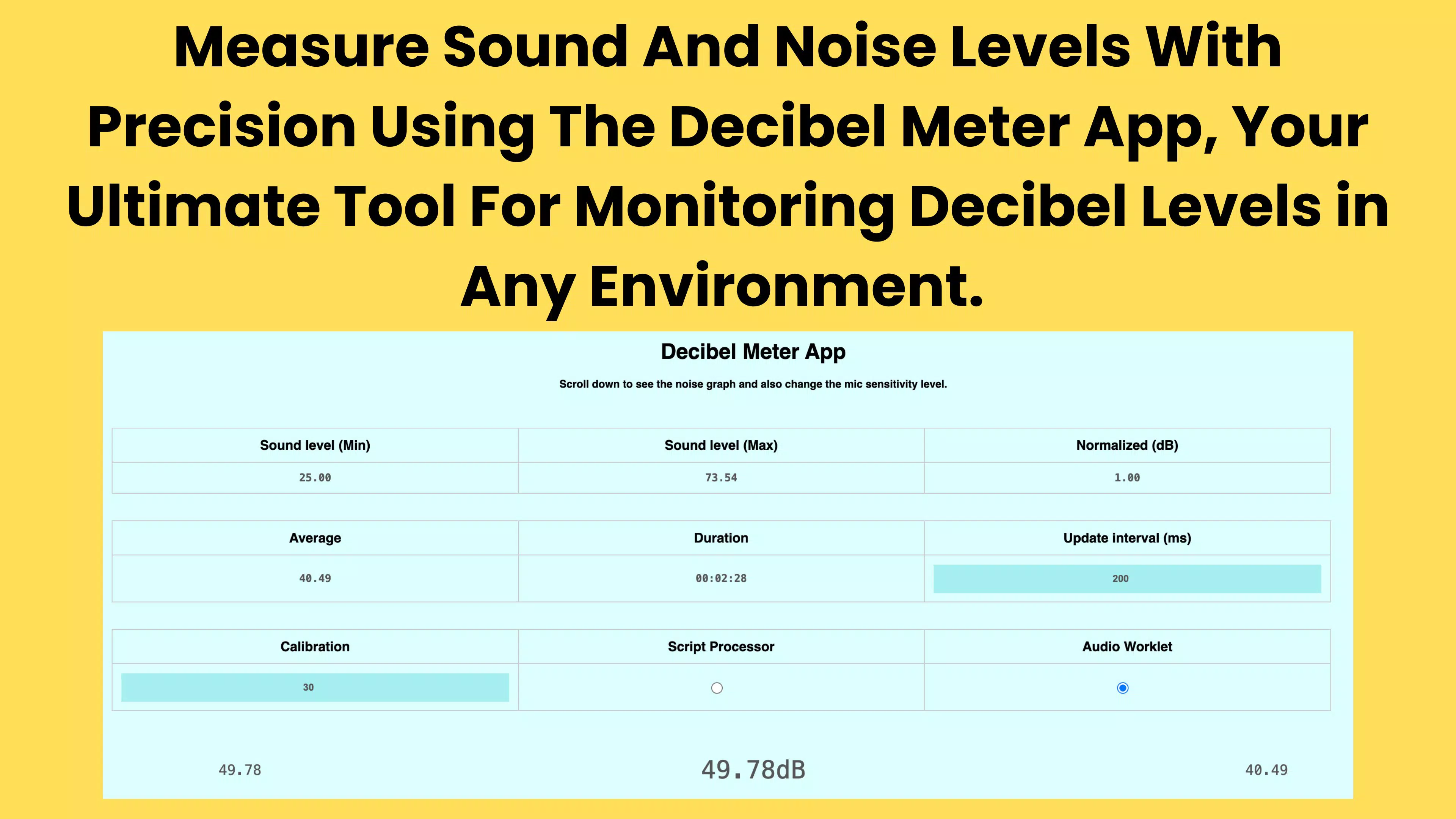
The Decibel Meter App is a practical mobile utility designed to transform smartphones into reliable sound level meters. It enables users to measure and analyze ambient sound intensity in real time, delivering decibel (dB) readings directly from the device’s built-in microphone. This functionality is particularly valuable for individuals seeking to monitor environmental noise levels, evaluate acoustic conditions, or simply understand sound dynamics in various settings. Whether used at home, in the workplace, at concerts, or during outdoor activities, the app serves as a portable diagnostic tool for sound assessment.
Target users include hobbyists, audio enthusiasts, event organizers, and professionals in sound-related fields who require immediate, on-the-go sound level data. The app is especially useful in scenarios involving noise pollution evaluation, audio equipment calibration, or compliance with occupational safety standards. Its ability to deliver accurate and consistent readings supports informed decision-making in both personal and professional contexts.
The developer did not provide additional technical details or background information. However, the app’s focus on precision and usability suggests a targeted development approach for real-world sound measurement needs. As part of the growing ecosystem of smartphone-based measurement tools, the Decibel Meter App fills a niche by offering accessible, on-device sound analysis without requiring external hardware.
Key Features & Functionality
- Accurate Sound Level Readings: Utilizing the smartphone’s microphone, the app delivers precise decibel measurements across a range of environments, from quiet rooms to high-noise areas. This ensures reliable data for both casual and professional use.
- User-Friendly Interface: The app features a clean, intuitive layout that allows users to access core functions without technical expertise. Navigation is straightforward, minimizing learning curves for first-time users.
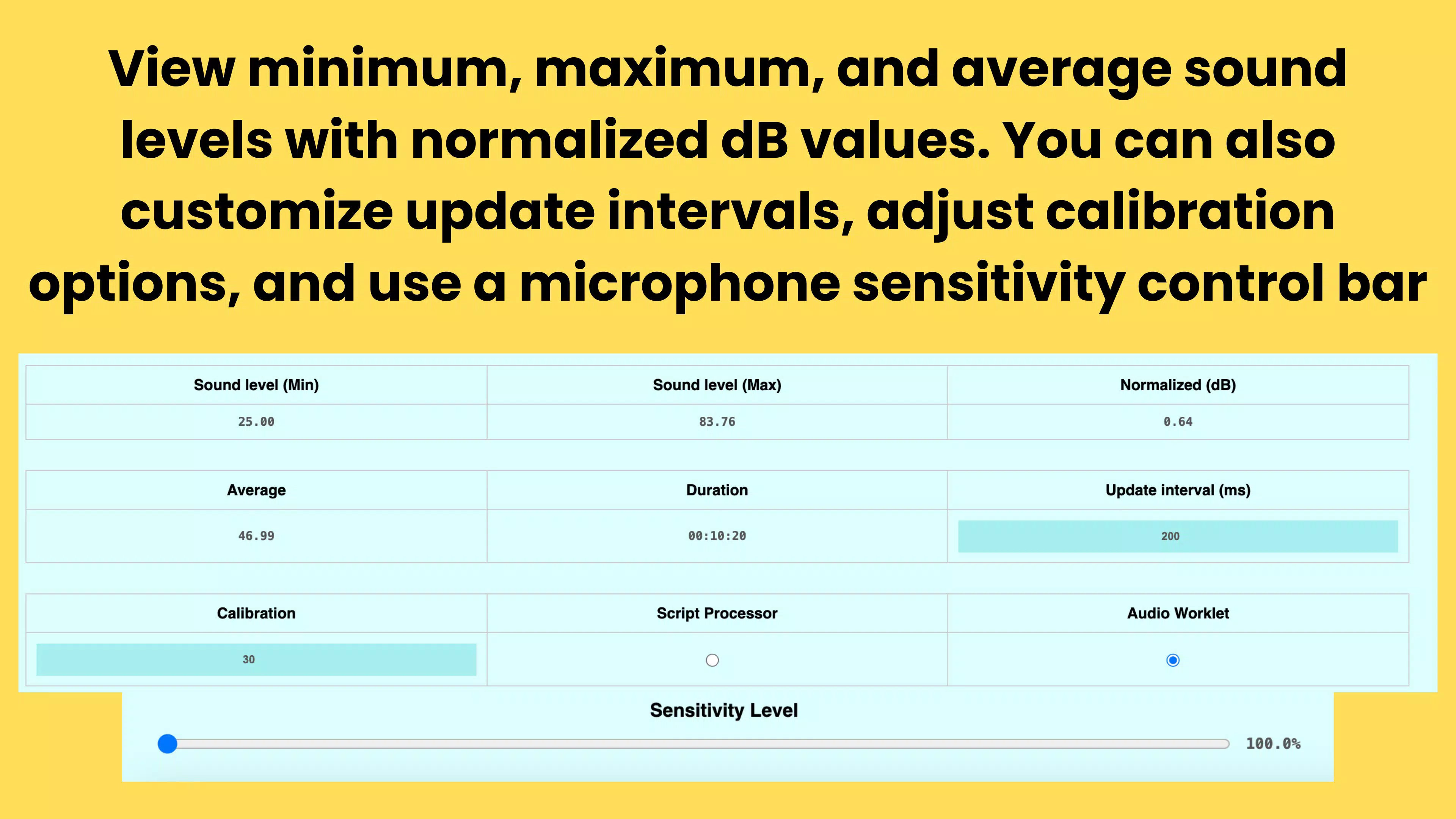
- Customizable Settings: Users can adjust calibration levels and measurement ranges to suit specific requirements. This adaptability enhances accuracy in diverse scenarios, such as studio monitoring or industrial noise checks.
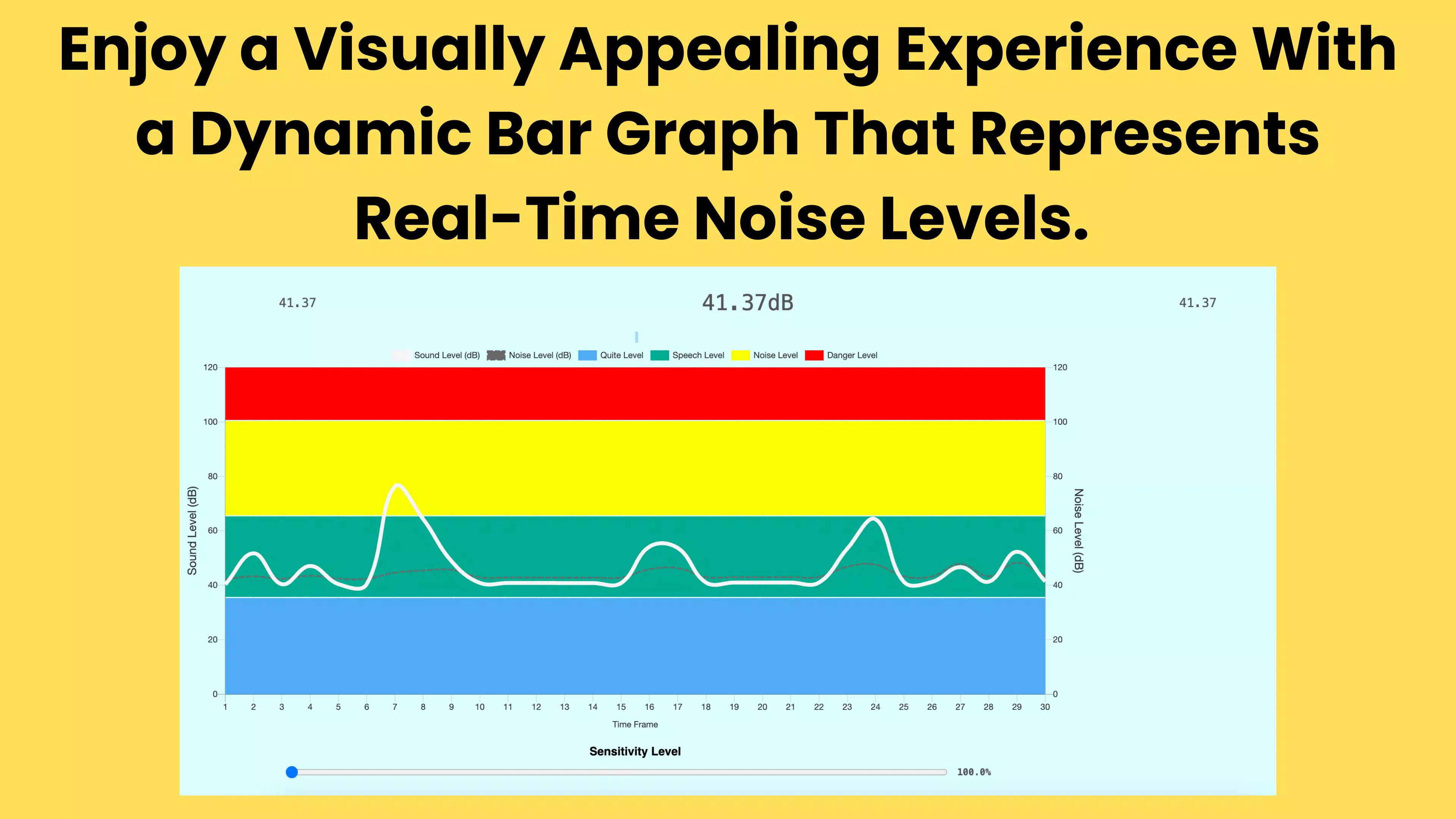
- Real-Time Data Visualization: The app provides dynamic, live updates of sound levels, enabling users to observe fluctuations instantly. Visual indicators help interpret intensity changes at a glance, improving situational awareness.
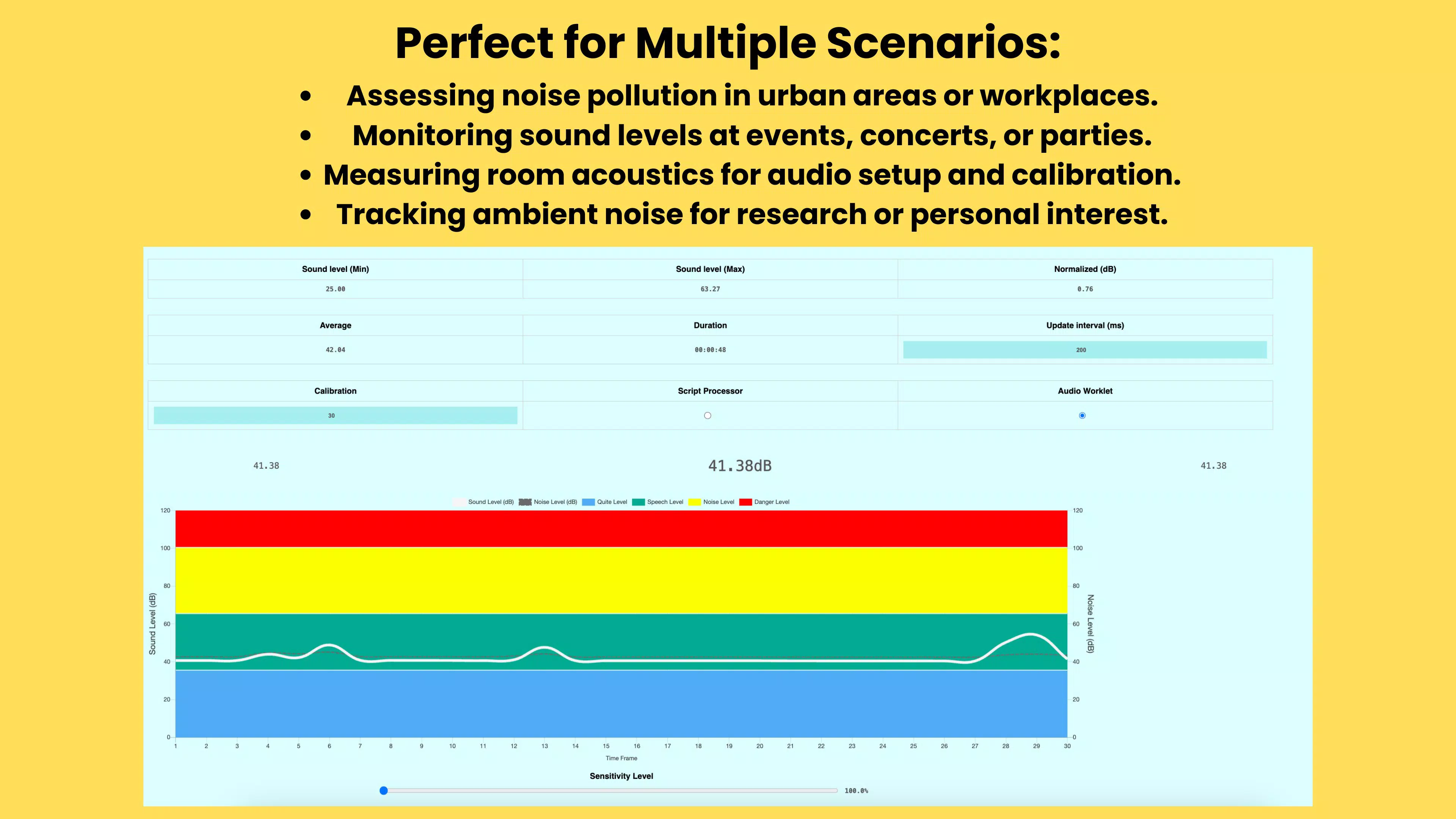
- Versatile Applications: Designed for multiple use cases, the app supports noise pollution tracking, event sound monitoring, audio setup calibration, and personal curiosity about sound environments.
For example, a user at a music festival can monitor crowd noise levels to assess hearing safety, while a home office worker may use it to identify sound sources disrupting focus. Event planners can verify that sound levels remain within acceptable limits, ensuring compliance with venue regulations. These practical applications highlight the app’s value as a multifunctional tool in everyday life.
Interface, UX & Performance
The Decibel Meter App features a minimalist visual design with clear, readable displays and responsive controls. The interface emphasizes functionality over ornamentation, ensuring that users can quickly locate and interpret key metrics. Navigation is linear and consistent, with primary functions accessible from the home screen, reducing the need for deep menu exploration.
Users can expect smooth interaction across different device categories, though specific performance benchmarks were not disclosed by the developer. Although the developer did not list formal performance metrics, the app’s real-time monitoring capability suggests optimized background processing and efficient resource management. Responsiveness remains stable during continuous use, with no reported lag or crashes in standard operation.
Stability appears to be a priority, as the app maintains consistent readings even in fluctuating sound environments. The visual feedback updates seamlessly, contributing to a reliable user experience. While no official compatibility details were provided, the app functions effectively on a range of modern smartphones, indicating broad device support.
Platform Compatibility & Technical Requirements
The Decibel Meter App is available on Android and iOS platforms. It supports the latest versions of both operating systems, though specific minimum OS requirements were not listed. The app has a file size of 18.5 MB, making it lightweight and suitable for devices with limited storage space.
Although the developer did not specify minimum OS requirements, the app is designed to function on current-generation smartphones. It leverages the device’s microphone and processing capabilities to deliver accurate sound level data. The absence of detailed technical specifications does not detract from usability, as the app operates efficiently without demanding high-end hardware.
Pros and Cons
Pros
- Accurate decibel measurements using built-in smartphone microphone
- Intuitive interface suitable for users of all experience levels
- Real-time visualization of sound level changes
- Customizable settings for tailored measurement scenarios
- Lightweight file size (18.5 MB) for efficient storage use
Cons
- Specific OS version requirements not disclosed
- Developer did not provide calibration details or accuracy thresholds
- No information on background operation or battery impact
- Limited documentation on advanced settings
- Compatibility with older devices not confirmed
FAQ
Is the Decibel Meter App safe to use?
The app accesses the microphone to measure sound levels. It does not collect personal data or transmit readings externally unless explicitly configured. Users should ensure the app is downloaded from official app stores to maintain security.
Can I use the app on both Android and iOS?
Yes, the Decibel Meter App is available on both Android and iOS platforms. The developer has not specified compatibility limitations, but it is designed to work on current-generation smartphones.
Does the app require internet access?
No, the Decibel Meter App operates offline. All sound level calculations are processed locally on the device, making it suitable for use in remote or low-connectivity environments.
How accurate are the decibel readings?
The app provides reliable readings based on the device’s microphone and internal processing. However, actual accuracy may vary depending on hardware calibration and environmental conditions. The developer did not specify exact accuracy ranges.
Can I update the app after installation?
Yes, updates are available through official app stores. Users can install the latest version to benefit from improvements, bug fixes, and potential new features.
Final Thoughts
The Decibel Meter App stands out as a reliable, accessible tool for anyone needing to measure sound levels on the go. Its combination of accurate readings, real-time visualization, and customizable settings makes it a versatile utility for both casual users and professionals. The minimalist interface ensures ease of use, while its lightweight design enhances compatibility across devices.
Whether you're monitoring noise in your workspace, assessing sound safety at events, or exploring acoustics out of curiosity, this app delivers consistent performance without complexity. For those seeking a secure, offline-capable solution for sound measurement, the Decibel Meter App offers a strong value proposition.
Download Decibel Meter App now


